
Last Updated on 18 July 2024
Introduction
Do you know how to access websites anonymously or bypass restrictions on certain content? The answer lies in proxy servers. These digital middlemen act as intermediaries between clients and other servers, allowing for various functionalities such as enhancing security, improving performance, and controlling access to various resources.
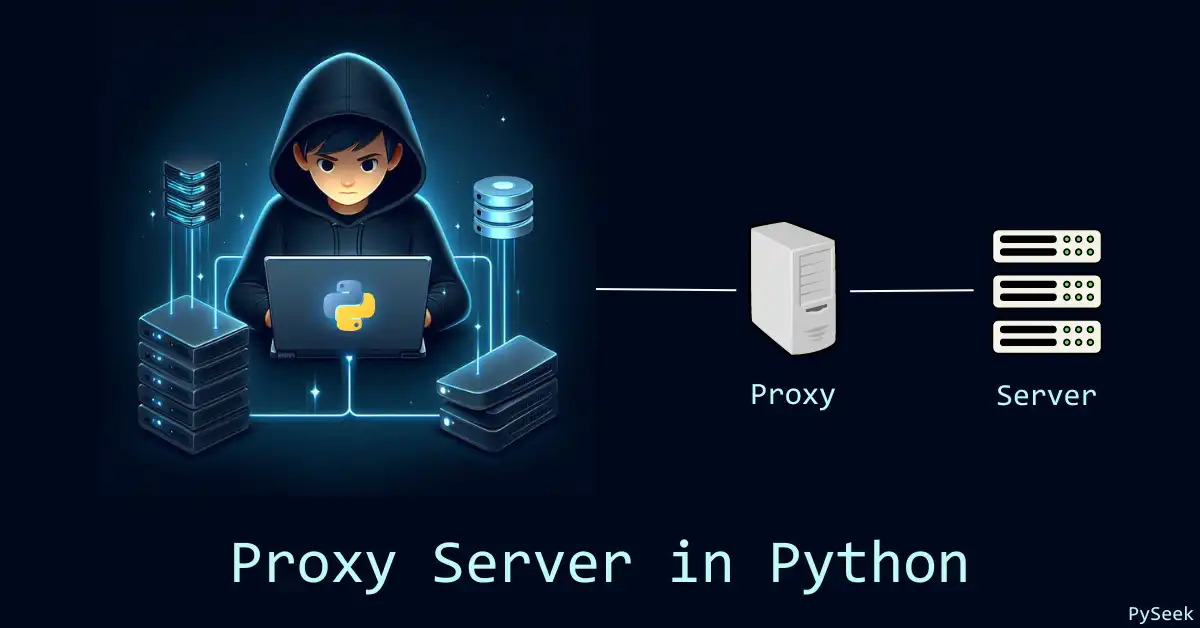
But what exactly is a proxy server? A proxy server is a server application that sits between a client requesting a resource and the server providing that resource. It forwards client requests to the target server and then sends the server’s response back to the client. This intermediary step can help filter traffic, cache content, and bypass geographic restrictions.
In this tutorial, I will guide you through creating a simple proxy server using Python. By the end of this article, you’ll understand the basics of proxy servers and how to implement one using Python’s socket library. So, let’s dive in and build your very own proxy server!
Recommended Article: Create a Python Network Scanner: Find IPs & MACs
The Program
Here is the complete Python program for our proxy server.
import socket

def start_proxy_server(host, port):
    # Create a TCP socket
    server_socket = socket.socket(socket.AF_INET, socket.SOCK_STREAM)
    server_socket.bind((host, port))
    server_socket.listen(5)
    print(f"Proxy server listening on {host}:{port}")

    while True:
        client_socket, client_address = server_socket.accept()
        print(f"Connection from {client_address}")
        handle_client(client_socket)

def handle_client(client_socket):
    request = client_socket.recv(1024)
    print(f"Request received: {request}")

    # Assuming request format is: METHOD URL HTTP/1.1
    request_lines = request.split(b'\n')
    url = request_lines[0].split()[1]

    # Parse the URL to extract the host and port
    http_pos = url.find(b'://')
    if http_pos == -1:
        temp = url
    else:
        temp = url[(http_pos+3):]

    port_pos = temp.find(b':')

    # Find end of web server
    webserver_pos = temp.find(b'/')
    if webserver_pos == -1:
        webserver_pos = len(temp)

    webserver = ""
    port = -1
    if (port_pos == -1 or webserver_pos < port_pos):
        port = 80
        webserver = temp[:webserver_pos]
    else:
        port = int((temp[(port_pos+1):])[:webserver_pos-port_pos-1])
        webserver = temp[:port_pos]

    proxy_server(webserver, port, client_socket, request)

def proxy_server(webserver, port, client_socket, request):
    proxy_socket = socket.socket(socket.AF_INET, socket.SOCK_STREAM)
    proxy_socket.connect((webserver, port))
    proxy_socket.send(request)

    while True:
        response = proxy_socket.recv(4096)
        if len(response) > 0:
            client_socket.send(response)
        else:
            break

    proxy_socket.close()
    client_socket.close()

if __name__ == "__main__":
    start_proxy_server('127.0.0.1', 8888)
Explanation of the Program
Let’s break down the program step-by-step:
- ‘start_proxy_server‘ function: This function initializes our proxy server. It creates a TCP socket, binds it to a specified host and port, and listens for incoming connections. When a client connects, it accepts the connection and calls the ‘handle_client‘ function.
- ‘handle_client‘ function: This function handles the client’s request. It receives the request from the client, parses the URL to extract the host and port of the target server, and then calls the ‘proxy_server‘ function to forward the request.
- ‘proxy_server‘ function: This function forwards the client’s request to the target server. It creates a new socket to connect to the target server, sends the request, and then receives the response from the target server. The response is sent back to the client.
- Main block: The main block starts the proxy server on 127.0.0.1 (localhost) and port 8888.
How to Test the Program
To test the proxy server program perfectly, follow these simple steps:
Set Up the Proxy Server
First, ensure the proxy server script is running. Save the script as ‘proxy_server.py‘ and run it:
python proxy_server.py
You should see the message indicating that the proxy server is listening on 127.0.0.1:8888.
Configure a Web Browser to Use the Proxy
To test the proxy server, you need to configure a web browser to use it. Here’s how to do it with Google Chrome and Mozilla Firefox.
Google Chrome:
- Open Chrome and go to Settings.
- Scroll down and click on “Advanced.”
- Under the “System” section, click on “Open your computer’s proxy settings.”
- In the proxy settings window:
- For Windows, go to “Manual proxy setup” and toggle the switch to “On” under “Use a proxy server.” Enter 127.0.0.1 as the address and 8888 as the port.
- For macOS, go to the “Proxies” tab, check the “Web Proxy (HTTP)” box, and enter 127.0.0.1 for the address and 8888 for the port.
Mozilla Firefox:
- Open Firefox and go to Preferences/Options.
- Scroll down to the “Network Settings” section and click on “Settings…”
- Select “Manual proxy configuration” and enter 127.0.0.1 for the HTTP proxy and 8888 for the port.
- Click “OK” to apply the settings.
Visit a Website
Open a new tab in your web browser and visit any website (e.g., http://example.com). If everything is set up correctly, the proxy server will handle the request, and you should see output in the terminal where it is running. It will show the incoming requests and connections.
Example Output
Here’s what you might see in the server terminal:
Proxy server listening on 127.0.0.1:8888
Connection from ('127.0.0.1', 12345)
Request received: b'GET http://example.com HTTP/1.1\r\nHost: example.com\r\nUser-Agent: curl/7.68.0\r\nAccept: */*\r\n\r\n'
And in your browser, the website should load as usual.
Recommended Article: Create an Advanced Port Scanner using Python
Summary
In this tutorial, you’ve learned how to create a simple proxy server using Python. It can handle basic web requests and responses. We’ve covered the complete code and demonstrated how to test it. This basic proxy server can help you add more advanced features and functionalities.
So, don’t stop here! Experiment with the code, add more functionalities like user authentication and explore the fun of network programming.
For any query, reach out to me at contact@pyseek.com.
Happy Coding!